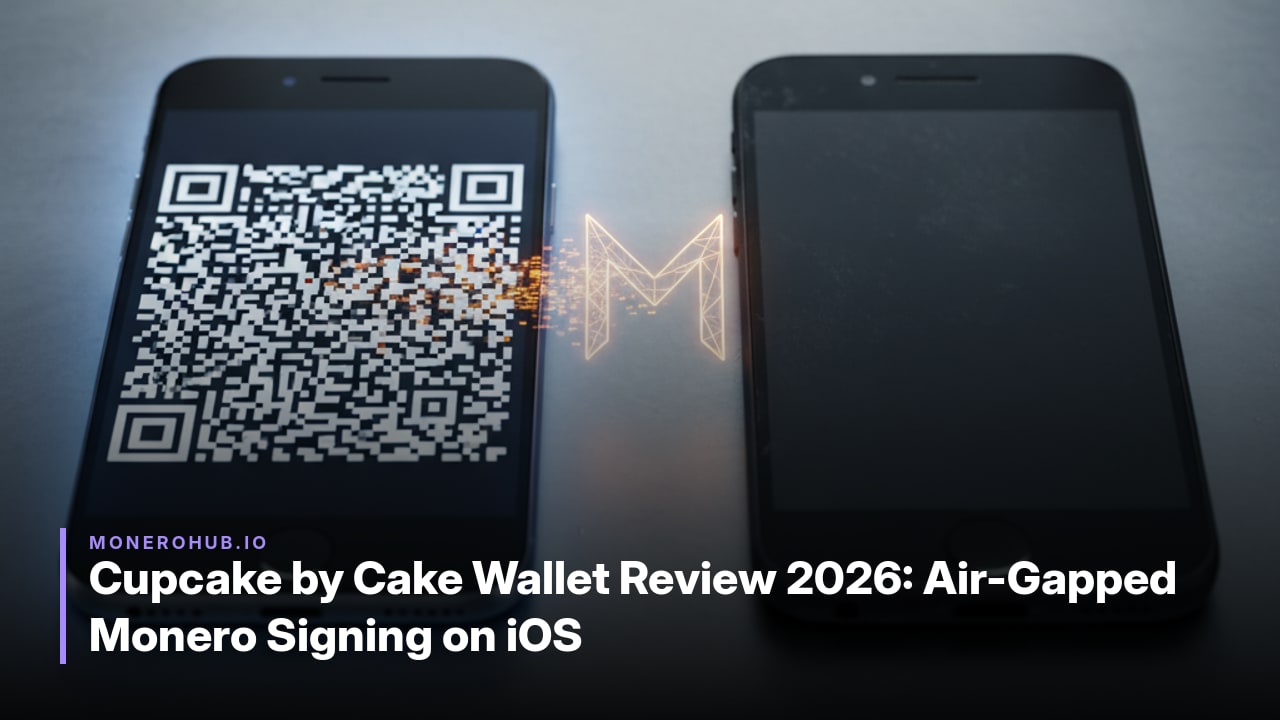
Cupcake by Cake Wallet review 2026 covers the free open-source app that turns a spare iOS device into an air-gapped Monero signer using only QR codes.
Cupcake is a companion app developed by Cake Labs LLC, the team behind Cake Wallet and Monero.com. It turns any spare iOS or Android phone into an air-gapped signing device that keeps private and spending keys completely offline while the main wallet on a connected phone holds only view keys.
The app pairs with Cake Wallet or Monero.com so users can generate unsigned transactions on the online device and approve them on the isolated phone. Data moves exclusively through QR codes, including animated sequences for larger payloads, eliminating any network connection on the signing device.
Fully open source under the GPL-3.0 license, Cupcake is available on the App Store, Google Play, and GitHub releases with no subscription or usage fees. Cake Labs positions it as a free, no-cost alternative to dedicated hardware wallets for its existing user base, which exceeds 2 million across products primarily driven by Cake Wallet since 2018.
By repurposing everyday smartphones, Cupcake extends air-gapped Monero and Bitcoin signing to Cake Wallet users who already trust the same development team, without requiring additional specialized hardware purchases.
As of October 2026, Cupcake supports air-gapped signing for Bitcoin, Monero, and Litecoin including MWEB, according to official documentation.
The rollout began with the v0.1 beta release in November 2024, which added initial Monero air-gapped support alongside Cake Wallet v4.21.0. Public beta expanded in September 2025 to include both Monero and Bitcoin. Cake Wallet v5.2, announced in August 2025, introduced view-only wallet support for Monero and Bitcoin plus a standalone restore option and Coldcard Q integration in Cupcake.
Litecoin with MWEB followed as a later addition, now confirmed in current documentation. All updates maintain the QR-code-only communication model between the offline signing device and the online companion wallet.
Begin setup on a spare or factory-reset iOS device that will remain permanently offline. This isolates private keys from any network exposure.
Repeat the QR export step if you need to update view-only data later. The entire workflow relies on visual code exchange, keeping the signing device air-gapped throughout.
The workflow starts on the internet-connected device with Cake Wallet or Monero.com holding only view keys. Users enter recipient details and amount to build an unsigned transaction, which the app encodes into a QR code or animated QR sequence for larger payloads.
The air-gapped Cupcake device scans this sequence to receive the transaction data. It displays the details for review, then uses its local private keys to produce a signature without ever exposing those keys or connecting to any network.
Once signed, Cupcake encodes the result into a new QR sequence shown on its screen. The online device scans this sequence to import the completed transaction, validates the signature, and broadcasts it directly to the Monero or Bitcoin network.
The same QR-based round trip applies to Litecoin including MWEB. Every transfer stays limited to visual codes, so the signing phone remains fully isolated while the connected device handles only balance checks, history, and final broadcast.
Cupcake functions as a free alternative that repurposes an existing phone for air-gapped Monero signing, avoiding the purchase of dedicated hardware.
| Feature | Cupcake | Dedicated Hardware Wallets |
|---|---|---|
| Cost | Free with no subscription or usage fees; runs on spare iOS or Android device | Requires upfront purchase of physical device plus potential firmware updates |
| Monero Privacy Guarantees | Keeps spending keys offline with QR-only communication, preserving standard Monero privacy model | Offers air-gapped signing on supported models, though Monero firmware support varies by vendor |
| iOS/Android Support | Native apps for both platforms as the offline signer paired via QR | Minimal direct mobile integration; most models connect via USB or Bluetooth to desktop software |
| Operational Differences | QR code sequences handle all data transfer; open-source GPL-3.0; supports Monero, Bitcoin and Litecoin (MWEB) | Physical buttons and screens; often USB/Bluetooth workflows; may need separate Monero-compatible firmware or tools |
The phone-based approach eliminates extra hardware cost while delivering equivalent air-gapped isolation for Monero keys. Dedicated wallets provide tamper-resistant secure elements that general-purpose devices cannot match, yet they introduce dependency on a single-vendor supply chain and limited mobile flexibility. Cupcake’s QR workflow removes any wired connection risk present in many hardware setups, though both solutions require careful device hygiene to avoid side-channel exposure.
Yes. Cupcake is available on the App Store for iOS and on Google Play for Android, with GitHub releases also provided for both platforms.
As of October 2026, Cupcake supports Bitcoin, Monero, and Litecoin including MWEB for air-gapped signing according to official documentation.
No subscription or usage fees apply. The app is described as free forever and completely free and open source with no hidden costs.
Yes. A standalone restore option was added, allowing users to create or restore a wallet directly on the offline device before exporting view-only details via QR code.
The signing device must remain completely offline and communicates only through QR codes, including animated sequences for larger data. It pairs with an online wallet such as Cake Wallet or Monero.com that holds only view keys.
Yes. The app is fully open source under the GPL-3.0 license, with source code available on GitHub alongside the App Store and Google Play releases.
